












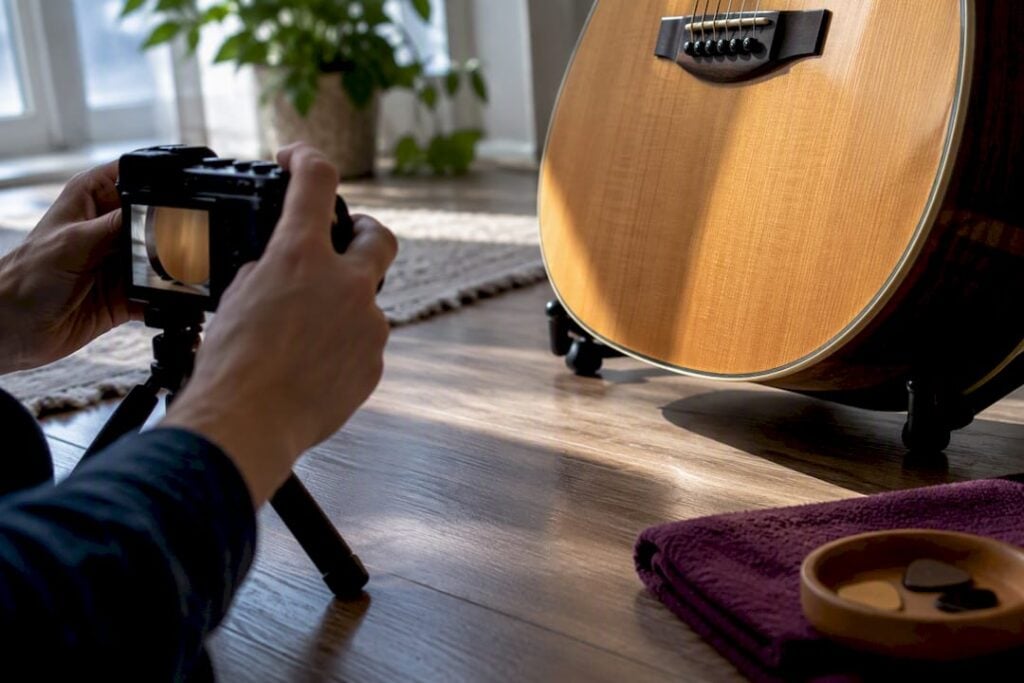

Take clear, well-lit, accurate photos, full views plus labeled close-ups of damage and serial numbers, and your listing gets more clicks and fewer disputes. A neutral background, diffuse light, and a standard shot sequence covering the whole instrument and its flaws will do more for your sale price than any amount of clever copywriting. The details on lighting, camera settings, editing, and a full shot checklist follow below.
TL;DR:
- Proper lighting methods, such as diffused light and polarizing filters, significantly reduce glare and enhance the visibility of details on glossy guitars.
- Preparing a guitar for photos involves cleaning, restringing, and photographing accessories to provide an honest and comprehensive visual record.
- Consistent full-body and close-up shots, properly labeled and arranged in a specific order, improve buyer trust and reduce disputes.
- Using stable equipment, appropriate camera settings, and careful editing ensures high-quality images that accurately depict the guitar’s condition.
- Professional photography and valuation services can help collectors sell higher-value instruments faster and at better prices.
Table of Contents
- How Do You Photograph a Guitar for Sale Without Glare?
- How Should You Prepare a Guitar Before the Photo Shoot?
- What Composition and Background Choices Work Best?
- What Is the Ideal Shot List and Gallery Order?
- What Camera Settings Should You Use?
- How Do You Edit and Export Photos for Marketplace Listings?
- How Should You Name Files and Order Your Gallery?
- Vintage Guitar World’s Take on What Convincing Photos Actually Show
- Sell Your Guitar the Way a Specialist Would
- Sources
- FAQ
How Do You Photograph a Guitar for Sale Without Glare?
Glare kills more guitar listings than dust and fingerprints combined. Direct flash or harsh overhead light bounces straight off a glossy lacquer finish and hides the very details a buyer wants to check.
Diffuse light solves this. A north-facing window on an overcast day works, or you can bounce a lamp off a white ceiling or wall instead of pointing it at the guitar directly. A cheap softbox or even a bedsheet stretched over a window does the same job for less than the cost of a set of strings.
Community photography threads on sites like Nikon-fotografie consistently point to soft, diffused light and controlled shadows as the difference between an amateur shot and one that actually shows the instrument.
- Position the main light at a 45 degree angle to avoid a direct hot spot on the finish.
- Use a white foam board or reflector on the opposite side to fill shadows on the fretboard and control knobs.
- Tilt glossy-finish guitars slightly off the light axis rather than shooting them flat on.
- A polarizing filter on a camera lens cuts reflections on chrome hardware and pickup covers dramatically.
Pro Tip: Shoot chrome hardware and tuners at a slight angle instead of straight on. Dead center almost always catches your own reflection in the metal.
How Should You Prepare a Guitar Before the Photo Shoot?
Clean photos start with a clean guitar, but “clean” means dust and fingerprints, not disguising wear.
- Wipe down the body, neck, and hardware with a microfiber cloth and appropriate guitar polish, and buff strings loose if they’re dead or corroded.
- Restring and tune the guitar if you’re going to photograph it being played or leaning naturally. A slack, detuned instrument photographs poorly.
- Gather the case, original tags, straps, tremolo arms, and any paperwork, invoices, or certificates of authenticity, and photograph them as a set.
- Set up a plain backdrop, a bedsheet, poster board, or a wall in a low-traffic color, and clear the area of clutter that will show up in reflections.
Never polish away or crop out a repair, a crack, or a modification. Buyers expect to see the guitar as it actually is.
What Composition and Background Choices Work Best?
A light-colored guitar disappears against a white backdrop, and a dark sunburst finish vanishes against black. Match your background to the opposite end of the guitar’s tone.
- Shoot the full-front hero shot dead center so the guitar reads clearly even as a thumbnail.
- Add one angled, three-quarter depth shot that shows the body’s contour and top carve.
- Include one context shot with a ruler, tape measure, or common object for scale.
- Keep close-ups tight and centered on the flaw or feature. Wear marks, serial numbers, and finish checking need to fill the frame, not hide in a corner.
Consistent framing and background across your listings also builds a recognizable visual signature, which is something Reverb’s own photography guidance notes helps repeat sellers build buyer trust over multiple sales.
What Is the Ideal Shot List and Gallery Order?
Aim for a reasonable number of photos to fully document the guitar, more rather than fewer, especially for higher-value items. Marketplace guidance from sites like Reverb and Catawiki consistently recommends a full walk-around sequence rather than a handful of flattering angles, because quantity of honest documentation is what actually reduces buyer disputes after the sale.
Follow this order when shooting and uploading:
- Hero shot: full front, guitar centered and upright.
- Full back of the body and neck.
- Body close-ups: top, sides, and finish detail.
- One angled, three-dimensional depth shot.
- Neck front, showing fretboard wear and inlay condition.
- Neck back, showing the truss rod cover and any finish checking.
- Headstock close-up with the serial number clearly legible.
- Electronics and hardware: pickups, knobs, bridge, tuners.
- Case, gig bag, and included accessories.
- Every blemish, ding, or repair, each photographed close with something for scale.
Poor photos remain the single most common reason buyers scroll past a listing, according to GuitarWorld’s guide to selling guitars online, which specifically recommends taking many flattering shots and showing every scratch rather than hiding it. Caption each blemish photo plainly: “Small ding, lower bout, does not affect playability” tells a buyer more than the photo alone ever could.
What Camera Settings Should You Use?
You don’t need a professional camera to get sale-ready photos, but you do need a stable one.
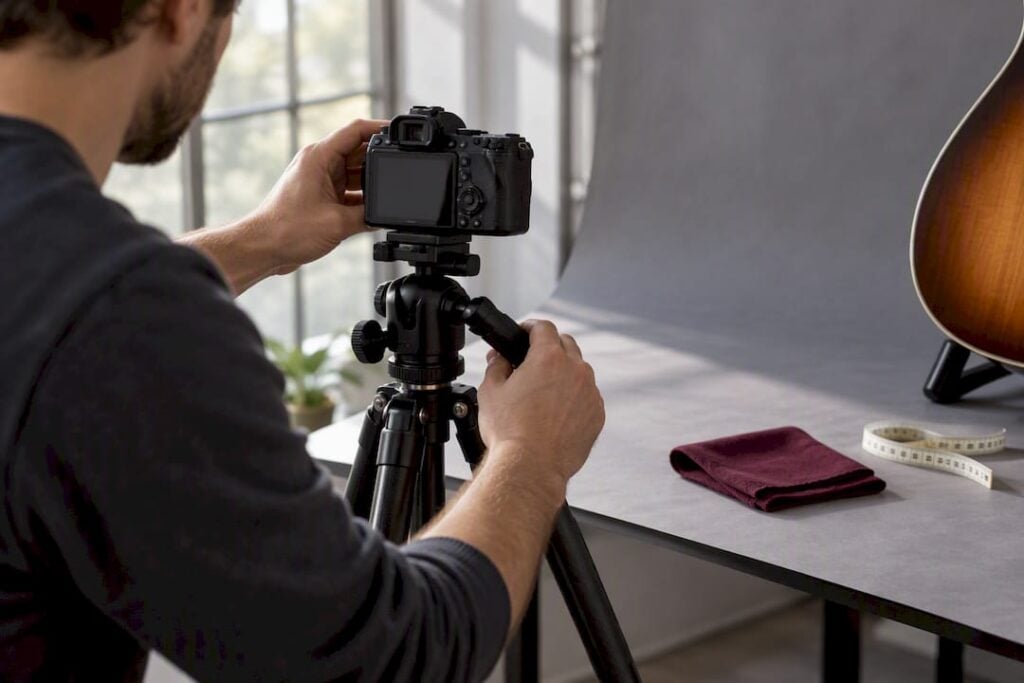
On a phone, turn on the grid overlay, tap to set focus and lock exposure on the guitar’s body, and shoot in RAW or Pro mode if your phone supports it. A tripod or even a stack of books keeps the shot sharp, since handheld shots in dim light almost always show motion blur at full resolution.
On a dedicated camera, keep ISO between 100 and 400 to avoid grain, and use an aperture around f/5.6 to f/8 for full-body shots so the whole instrument stays in focus. Detail shots can open up slightly to f/4 or f/5.6. Any time your shutter speed drops below 1/125th of a second, put the camera on a tripod, a recommendation echoed in Tuneluma’s professional guitar photography guide.
- Grid overlay on for straight, centered composition.
- Tripod or stable surface any time light is low.
- Macro lens or macro mode for serial numbers and fine grain detail.
- A polarizer for anything with a high-gloss lacquer finish.
Pro Tip: If the guitar is rare, has a complex finish, or is worth several thousand dollars, hiring a photographer for one session often pays for itself in a faster, higher sale.
How Do You Edit and Export Photos for Marketplace Listings?
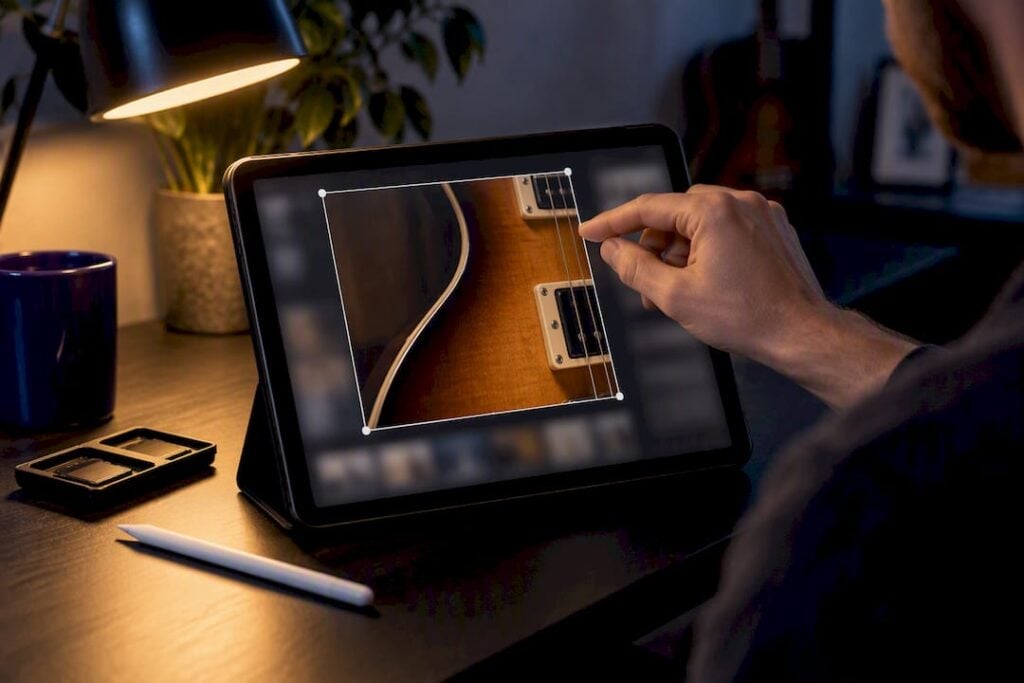
Editing should correct what the camera got wrong, not change what the guitar actually looks like.
Fix white balance so the wood tone and finish color read accurately, adjust exposure, correct any lens-distortion perspective skew, and apply light sharpening. Cloning out a dust spot on the backdrop is fine. Removing a scratch, chip, or added modification is not, since Reverb’s own guidance treats hiding real defects as the fastest way to trigger a dispute after the sale.
- Crop with a square format in mind, since most marketplaces display listings as squares regardless of the original shot ratio.
- Export images at a pixel width sufficient to preserve detail for zoom but not so large as to hinder loading.
- Compress moderately. A crisp 2 to 4 MB JPEG beats an 15 MB file that stalls on upload.
- Phone apps like Snapseed or Lightroom Mobile handle 90% of this in a few taps; desktop tools give finer control for serious sellers.
How Should You Name Files and Order Your Gallery?
Search engines and marketplace search bars both read filenames and alt text, so a lazy “IMG_4821.jpg” wastes free visibility.
- Name files with the pattern brand, model, view, and condition, for example “fender strat 1965 sunburst full front.jpg.”
- Write alt text the same way: descriptive, factual, and specific to what’s actually in the frame.
- Order your gallery to match your shooting sequence, hero shot first, blemishes near the end, so buyers move through the guitar the way they’d inspect it in person.
- Check how your target platform crops thumbnails. Square-crop tests before you finalize a hero shot save you from a headstock getting sliced off in the feed.
Vintage Guitar World’s Take on What Convincing Photos Actually Show
Most listing mistakes we see aren’t about bad cameras. They’re about sellers photographing the guitar they wish they were selling instead of the one actually sitting in front of them: one hero shot, no back view, no serial number, and a blemish mentioned in the text but never shown. That gap between what’s written and what’s photographed is exactly what makes buyers hesitate or walk away.
The fix is almost always documentation, not better equipment. A guitar photographed the way you’d document it for provenance or an appraisal tends to sell faster and with fewer back-and-forth questions, because the buyer already has the answers before they ask.
For higher-value vintage, flamenco, or handcrafted instruments, we generally recommend a professional photo appointment or full valuation before listing. A rare instrument photographed like a used pawn-shop guitar routinely sells for less than it’s worth, and that gap tends to dwarf whatever a proper session or appraisal checklist costs.
— Vintage
Sell Your Guitar the Way a Specialist Would
If the checklist above feels like a lot for a guitar that actually deserves real buyers and a fair price, Vintage-guitar-world offers a different route: instead of doing the shoot, the pricing research, and the listing yourself, you hand the instrument to people who evaluate guitars for a living.

A consignment sale service handles the photography, description, and buyer negotiation for you, while certificates and valuations give collectors documented proof of authenticity and condition, something a phone photo alone can never provide. If the instrument needs work before it goes on the market, restoration services can address that first, and an exclusive playing appointment lets serious buyers test the instrument in person rather than relying on photos at all. A DIY listing reaches whoever scrolls past it; a consignment sale through a specialist reaches buyers who are already looking for exactly this kind of instrument. Visit the Vintage Guitar World shop to see current consignment terms and start a conversation about your instrument.
Sources
- Tips for taking good photos of your gear – Reverb.com
- How to sell a guitar online – GuitarWorld
- How To Photograph Guitars Professionally: Sell Online – Tuneluma
FAQ
Which Photos of My Guitar Can I Post Without Permission?
You can freely publish photos you took yourself of a guitar you own, since you hold the copyright to your own images. Be careful about including copyrighted artwork, third-party logos beyond the guitar brand itself, or other people’s faces in the background without their consent.
Can You Still Make Money From Guitar Photography?
Selling stock or print photography is a competitive niche, but for a private seller the real return isn’t a photography career, it’s a higher sale price. Listings with complete, honest photo sets consistently attract more serious offers than listings with just one or two shots, according to GuitarWorld’s selling guide.
Which Guitar Photos Sell the Fastest?
A sharp, centered hero shot on a neutral background typically gets the most clicks, but listings that also include labeled close-ups of wear and the serial number sell faster overall because they answer buyer questions upfront. Photo sets that skip the back, neck, and hardware close-ups tend to sit longer and draw more “can you send more photos” messages.
How Much Can You Charge for Photo or Image Rights?
Rates for licensing your own guitar photos vary widely by use case, from personal marketplace resale, where there’s no licensing fee at all, to commercial licensing, which depends on usage terms you’d negotiate directly. For a standard resale listing, you’re not selling image rights, you’re using the photos to sell the instrument itself. If you want expert help pricing a rare or collectible guitar for sale rather than pricing a photo, Vintage-guitar-world’s valuation service can provide a documented assessment.